

Wedding Photo Album QR Code: Create a Digital Wedding Album Instantly
The Problem
Your wedding day is a blur of beautiful moments. While your professional photographer captures the main events, your guests are capturing all the candid, hilarious, and spontaneous moments happening in between.
But here is the sad truth: guests take hundreds of photos, but you rarely see them.
If they try to send them through WhatsApp, the app severely compresses the quality, leaving you with blurry images that look terrible when printed. If you rely on them sending a link later, people simply forget. Creating a complicated hashtag? That means asking people to post publicly, and again, social media platforms compress the photos.
Why You Need a QR Code Wedding Album
A wedding photo album qr code is the most effective way to collect every angle of your special day without the hassle of chasing guests down.
By using a qr code wedding photo album system, you make guest participation incredibly simple:
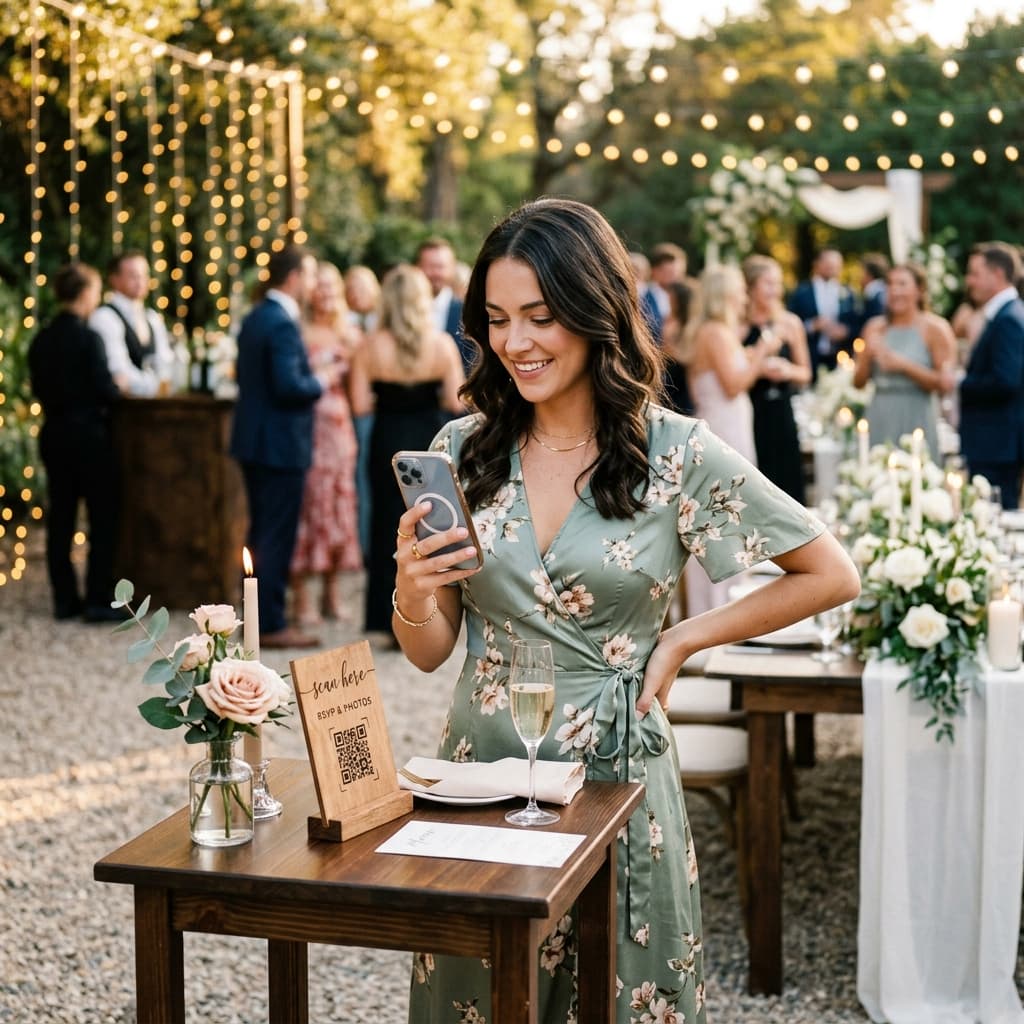
- They Scan: A guest opens their phone camera and scans the QR code you've placed on their table.
- They Upload: Their browser opens to a simple page where they select the photos and videos they just took.
- You Receive: Those files appear instantly in a private folder (like your Google Drive).
No apps to download. No accounts to create. No compressed files. You get a complete wedding digital photo album delivered straight to you in full quality.
How to Set Up Your Wedding Digital Photo Album QR Code
The easiest way to create a digital wedding album and connect it to a QR code is using AlbumDrive. It takes less than 3 minutes to set up:
- Sign Up: Go to AlbumDrive and log in with your Google account.
- Create Your Event: Name your wedding. This automatically creates a dedicated folder in your Google Drive.
- Get Your QR Code: AlbumDrive instantly generates a unique QR code for your wedding photo album.
- Download and Print: Download the QR code design and print it to place around your venue.
That’s it. You are ready to collect memories.
Where to Place the QR Code at Your Wedding
To get the most out of your qr code wedding album, the code needs to be visible where people are actually taking pictures:
- Centerpieces on the Tables: This is the most common and effective spot. People sit down, see the code, and remember to upload their dinner and table selfies.
- The Welcome Entrance: Add it to the welcome sign with a quick note like "Help us capture the magic!"
- The Bar: People spend a lot of time at the bar. A small sign next to the drink menu works wonders.
- Digital Invitations / Programs: Include the link or QR code early on so guests know where to send photos.
Frequently Asked Questions
Do my guests need to download an app? No! This is the biggest advantage. The QR code opens a webpage in their regular mobile browser (Safari or Chrome).
Will the photos lose quality or be compressed? Absolutely not. Unlike WhatsApp or Instagram, the photos are uploaded in their original, full resolution directly to your Google Drive.
Where are the photos saved? They go straight into a specific folder inside your own Google Drive. You maintain 100% ownership and control over your memories.
When should I create the event and print the QR codes? We recommend creating your event in AlbumDrive and generating your QR code at least 2 to 3 weeks before the wedding. This gives you plenty of time to test it with your partner, print the designs comfortably, and integrate the code into your table centerpieces or welcome signs without last-minute stress.
Don't Let Your Memories Disappear
Your guests are going to take incredible, candid photos of your special day. Don't let those moments stay trapped on their phones or ruined by WhatsApp compression.
Ready to collect every photo from your wedding day? Create your AlbumDrive event in 3 minutes