

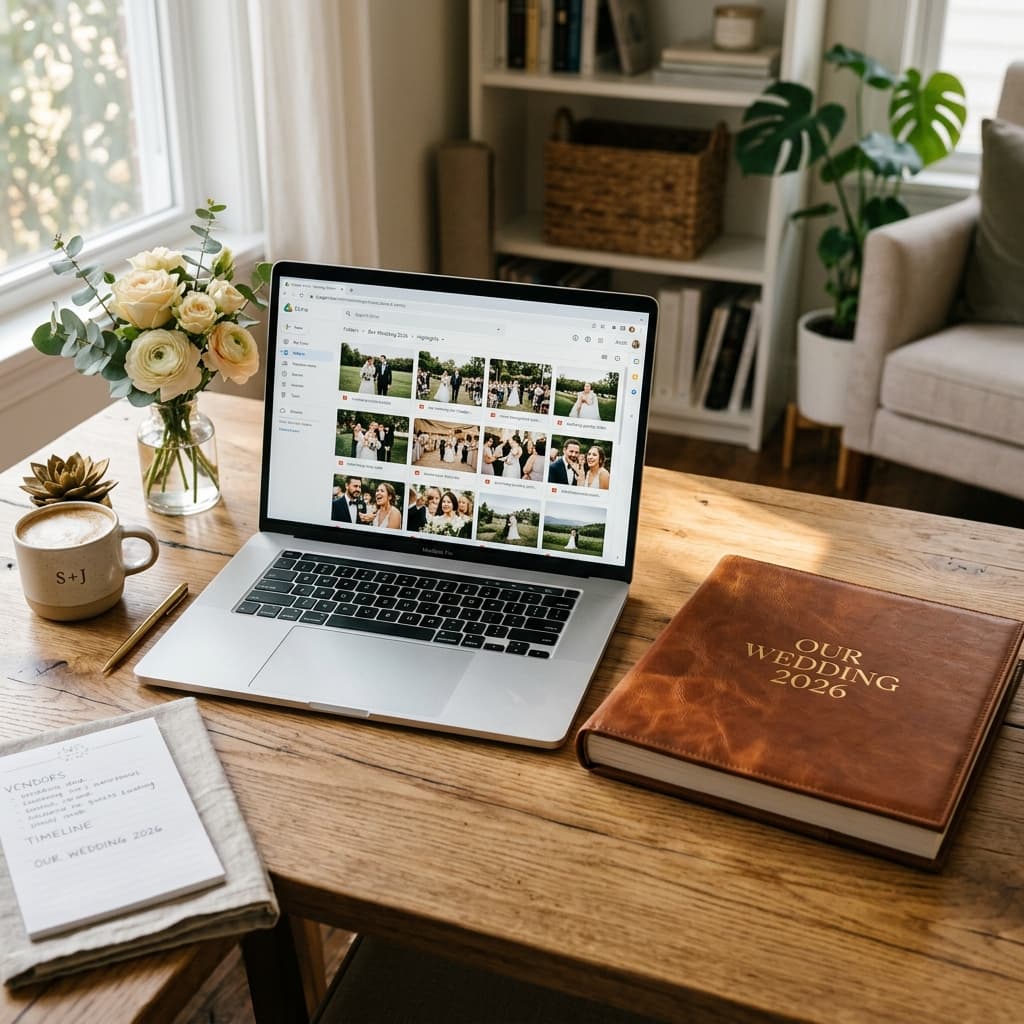
Google Drive Wedding Photos: Create Your Wedding Drive
When it comes to your wedding day, the photos captured by your friends and family are just as precious as the professional shots. They offer a raw, unfiltered perspective of the joy, the tears, and the wild dance floor moments that your photographer might have missed.
But how do you collect all these photos in one place without sacrificing quality, violating privacy, or spending hours downloading individual images from messaging apps?
The answer is setting up a dedicated wedding drive on Google Drive.
In this complete guide, we will explore why google drive wedding photos are the ultimate solution for guest photo sharing, how to configure your google drive wedding folders correctly, and the common pitfalls to avoid.
1. Why Choose Google Drive for Your Wedding Drive?
You might be wondering why you shouldn't just use WhatsApp, a shared Apple Photo Album, or a dedicated wedding photography app. Here is why a google drive wedding photos setup stands out:
- Zero Compression: Unlike WhatsApp or social media platforms, Google Drive stores your files exactly as they are uploaded. This means if a guest takes a stunning 12-megapixel shot, you get that exact 12-megapixel file, perfect for printing in your wedding album.
- Universal Access: Almost everyone has a Google account or knows how to navigate a web browser. There is no need to force your guests to download a niche app they will delete the next day.
- Ownership and Privacy: You own the folder. You control exactly who can view, edit, or download the contents of your wedding drive. It doesn't live on a temporary third-party server.
- Cost-Effective: You get 15GB of free storage with a standard Google account, which is usually more than enough for guest photos. If you need more, upgrading to Google One is incredibly affordable.
2. The Challenge: Getting Guests to Upload to the Google Drive Wedding Folder
This is where many couples hit a roadblock. Sharing a standard Google Drive link with edit permissions can be risky and confusing for less tech-savvy guests.
If you just share a standard folder link:
- Guests have to navigate the Google Drive folder structure.
- They might accidentally delete other people's photos from the drive.
- They often need to be signed into a Google account to upload files.
- The upload interface on mobile browsers isn't always intuitive.
3. The Solution: Using AlbumDrive to Automate Your Google Drive Wedding Photos
To get the benefits of a wedding drive without the friction of standard link sharing, you need a bridge. This is where AlbumDrive comes in.
AlbumDrive connects directly to your Google Drive account and completely automates the folder creation and upload process, providing a beautiful, simple, and secure wedding digital photo album interface for your guests.
How it works:
- You connect your Drive: You simply link AlbumDrive to your Google account. AlbumDrive will automatically create a beautifully organized master folder for your event directly in your Google Drive. No manual folder setup is required!
- You get a QR Code: AlbumDrive generates a custom wedding photo album qr code and a simple link for your event.
- Guests scan and upload: At the wedding, guests scan the QR code on their tables. A clean webpage opens (no app required). They select their photos and hit upload.
- Photos go straight to your Drive: The photos bypass the guests' need to log in to Google and go straight into the automatically created folders in your private Google Drive in original quality.
This eliminates the risk of accidental deletions, removes the headache of folder management, and makes your qr code wedding album system completely foolproof, even for older relatives.
4. Best Practices for Sharing the Final Gallery
Once the wedding is over and the dust has settled, you will likely want to share the curated collection of photos with everyone.
- Curate First: Do not share the raw upload folder directly. Go through the automatically created folders and copy the best photos into a new, read-only "Highlights" folder.
- Set Permissions Correctly: For the final shared folder, set the Google Drive sharing permissions to "Anyone with the link can view." Do not give edit access.
- Share the Link: Send this view-only link via email or your post-wedding thank-you notes.
Conclusion
Your wedding memories deserve better than compressed, hard-to-find messaging threads. By leveraging the power of a wedding drive on Google Drive, especially when paired with a seamless upload tool like AlbumDrive that handles all the folder creation automatically, you ensure that every captured moment is preserved safely, in high resolution, and under your control forever.